TerraCycle’s shipping options for free recycling programs
Here are some helpful tips on how to send your shipment to us for recycling, including a printerless option, offered by FedEx.
Shipping with FedEx
Shipping with FedEx offers flexible options; choose between printing a label or no-print shipping!
Print your own label
- Package up the accepted waste, and ship when the box is full to minimize the transportation carbon footprint
- Print your free shipping label from the program page or your TerraCycle account
- Affix the free shipping label, and be sure to remove any old shipping labels on the box
- Drop off your shipment at your local FedEx location or request a free home pick-up to be sent to us for recycling

No-print shipping
- Package up the accepted waste, and ship when the box is full to minimize the transportation carbon footprint
- Request a QR code from the program page or your TerraCycle account
- Head to your local FedEx location and show them your QR code (they’ll print a shipping label for you)
- Give them your shipment to send to us for recycling
PLEASE NOTE: If you choose to drop off your package at a FedEx location, you must print your own shipping label. If you don’t have a printer or can’t otherwise print labels, we recommend using the no-print shipping option from FedEx.
How to schedule a shipment pickup with FedEx
-
Call 1-800-463-3339; you’ll reach an automated voice service
-
Answer the prompts as follows:
-
Say you want to schedule a return pickup
-
Choose ground shipping
-
Confirm you have a label, then provide the tracking number.
-
Your tracking number can be found on the shipping label.
-
-
Confirm the next-day shipping date, your pickup address, and the pick-up time window.
-
-
Your call will be transferred to FedEx’s customer service line, where someone will confirm the information you’ve provided and provide a case number for your pickup request
-
Leave your package outside in a dry, clear, and visible area, like your front porch, for pickup
-
That’s it! Your shipment will be picked up on your scheduled day
Shipping with UPS
Follow these steps if you choose to ship your trash with UPS:
- Package up the accepted waste.
- Print your free shipping label from the program page or your TerraCycle account.
- Affix the free shipping label, and be sure to remove any old shipping labels on the box.
- Drop off your package at your local UPS location to be sent to us for recycling.
PLEASE NOTE: If you choose to ship with UPS, you must print out the shipping label we provide yourself. Once your label is adhered to your box, you’re ready to ship your trash to TerraCycle for recycling.
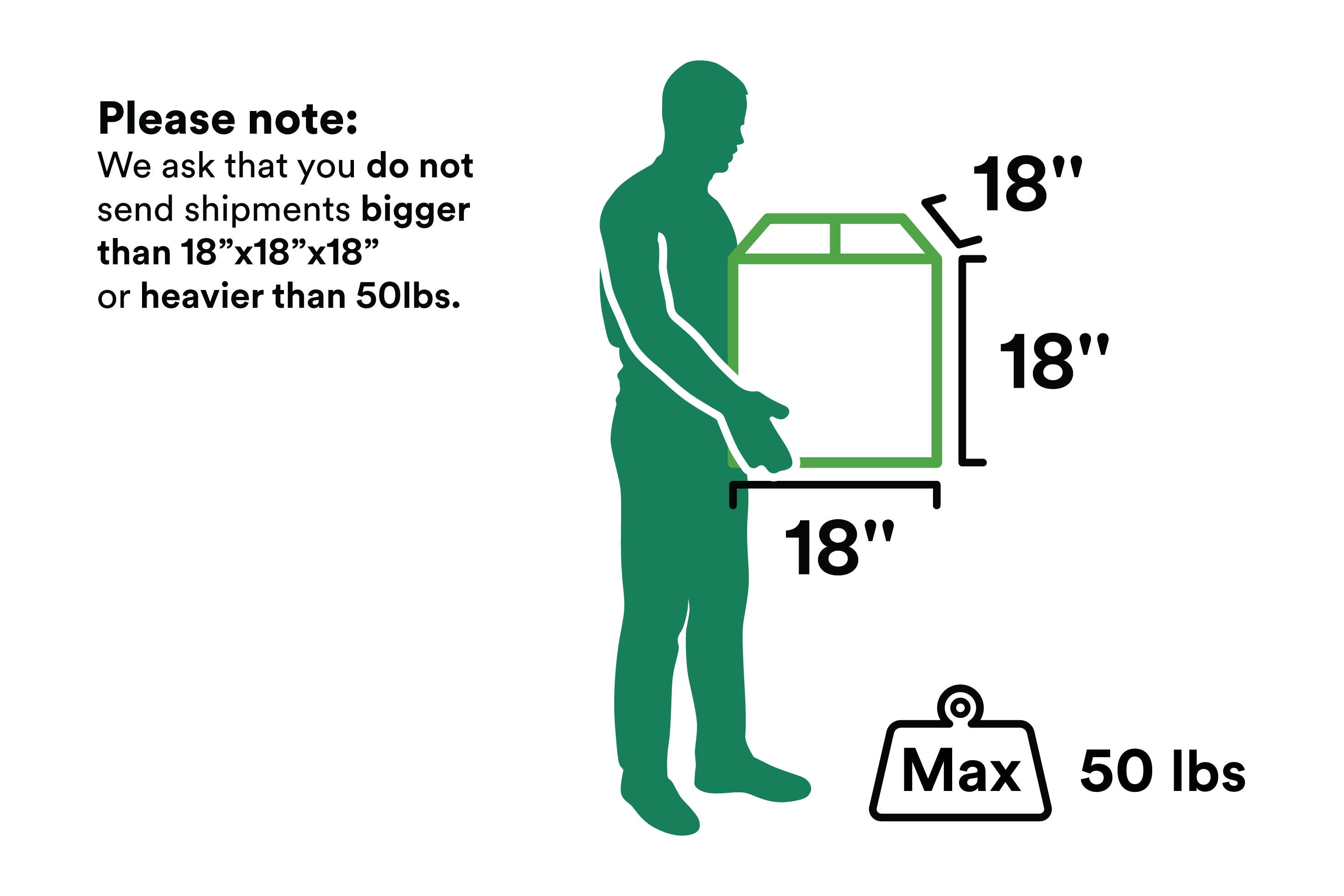
No matter how you choose to ship your hard-to-recycle trash to TerraCycle for recycling, all accepted waste is guaranteed to be recycled. Learn about our recycling guarantee and see our specialized recycling process in action! Printing or no printing—now you can decide what shipment method is best for you.
Need help?
Visit our Help Center or contact our customer care team at customercare@terracycle.com.