How to donate your TerraCycle Recycling Rewards points
Turn your trash into cash
For most of our free recycling programs, each qualifying shipment you send will earn you TerraCycle Recycling Rewards points. These points can be redeemed as cash donations to your favourite schools, charities, and nonprofit organisations. Our international community of TerraCyclers has raised millions of dollars for amazing causes – all by recycling for free!
How it works
Please check each participating program’s page to see how you can earn TerraCycle points for the rubbish you send in. You can join as many participating programs as you want! TerraCycle points can be redeemed for a donation of $0.01 per point (3,500 points = $35). Once you’ve earned enough points, you’re ready to redeem them!
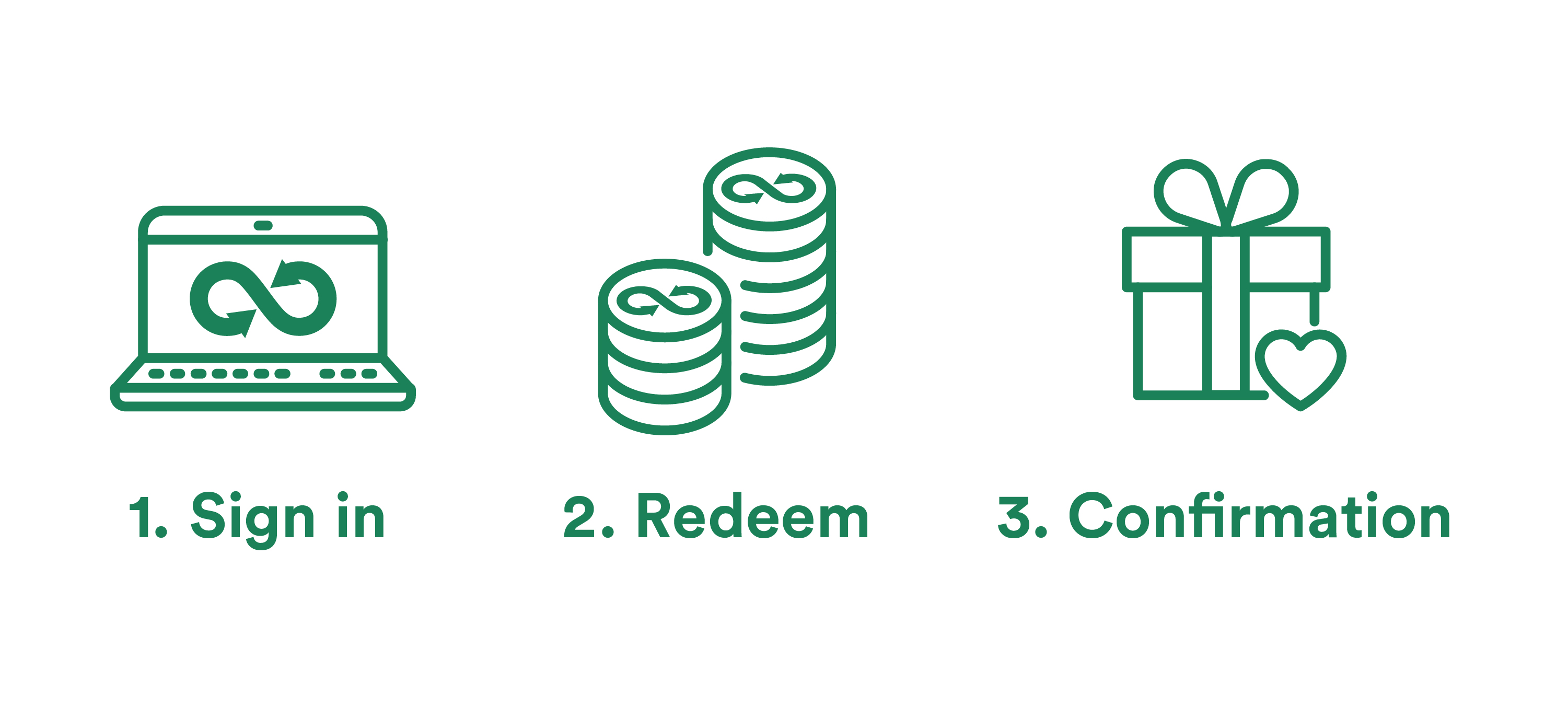
How to redeem your points
-
Sign in to your TerraCycle account and click on the "My Points" drop-down.
-
Click "Redeem my points," select the organisation you wish to donate to, and enter how many points you’d like to redeem.
-
You’ll receive an email to confirm it was a success.
Donate your points to any of our featured charity partner organisations, or search for your preferred charity here.
You can redeem your points at any time; however, we only have two payment periods per year, in January and June. Any points redeemed by the end of October will be paid out in January, and any points redeemed by the end of April will be paid out in June.
Rules to know
-
You can only earn TerraCycle points by shipping your rubbish to us for recycling – this includes those who run public drop-off points.
-
Please note that Zero Waste Boxes are not part of the TerraCycle Recycling Rewards program.
-
-
If you recycle at a public drop-off point, the administrator of the drop-off point will receive the points for your rubbish.
-
You must donate at least 3,500 TerraCycle points ($35) at a time.
-
Some brand-sponsored free recycling programs require that shipments reach a minimum weight to qualify for TerraCycle points.
Adding a new charity
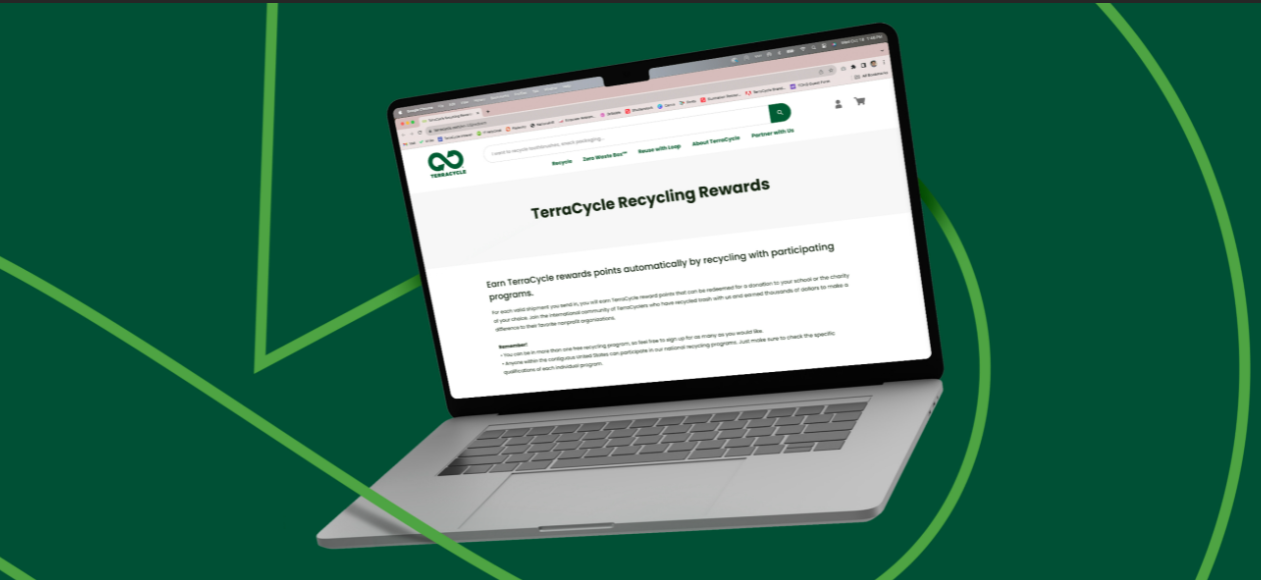
If you can’t find your school, charity, or nonprofit using our search tool on the Rewards page, add it to our charity database! Follow these steps to add your organisation:
-
Go to the Rewards page on our website.
-
Click “Add new charity.”
-
Fill out the new charity request form with the organisation’s ABN and the address and contact information for the organisation you would like to add.
-
Please note that the address and phone number must be for the organisation you are fundraising for, not your home address or personal phone number.
-
-
Click “Submit.”

You will be notified when your new charity request has been accepted. If your information is filled out incorrectly, your request may be rejected. Contact our Customer Care team if you need any help.
Bonus points
We love your charities and schools as much as you do; that’s why we frequently offer the opportunity to earn bonus points! Check out our Contests page or follow us on social media to make sure you don’t miss an update.